Cloud Build Production Pipeline: Triggers, Artifact Registry, Scanning & Deploy to Cloud Run | 2026
Google Cloud Build is GCP's fully managed serverless CI/CD platform that executes builds on Google infrastructure without managing build servers. When paired with Artifact Registry, Cloud Build can automatically build container images, run container vulnerability scanning, enforce security gates, and execute zero-downtime deployments to Cloud Run. This guide walks through configuring a production-grade `cloudbuild.yaml` pipeline, Terraform build triggers, IAM service account hardening, and vulnerability scanning enforcement.
By Mateusz Chmielewski · Aug 29, 2026 · 15 min read
What is Cloud Build & How Does It Work?
Cloud Build is a serverless continuous integration and continuous delivery (CI/CD) platform on Google Cloud. It imports source code from GitHub, GitLab, or Cloud Source Repositories, executes build steps inside isolated Docker containers, and deploys artifacts to GCP services like Cloud Run, GKE, or Compute Engine.
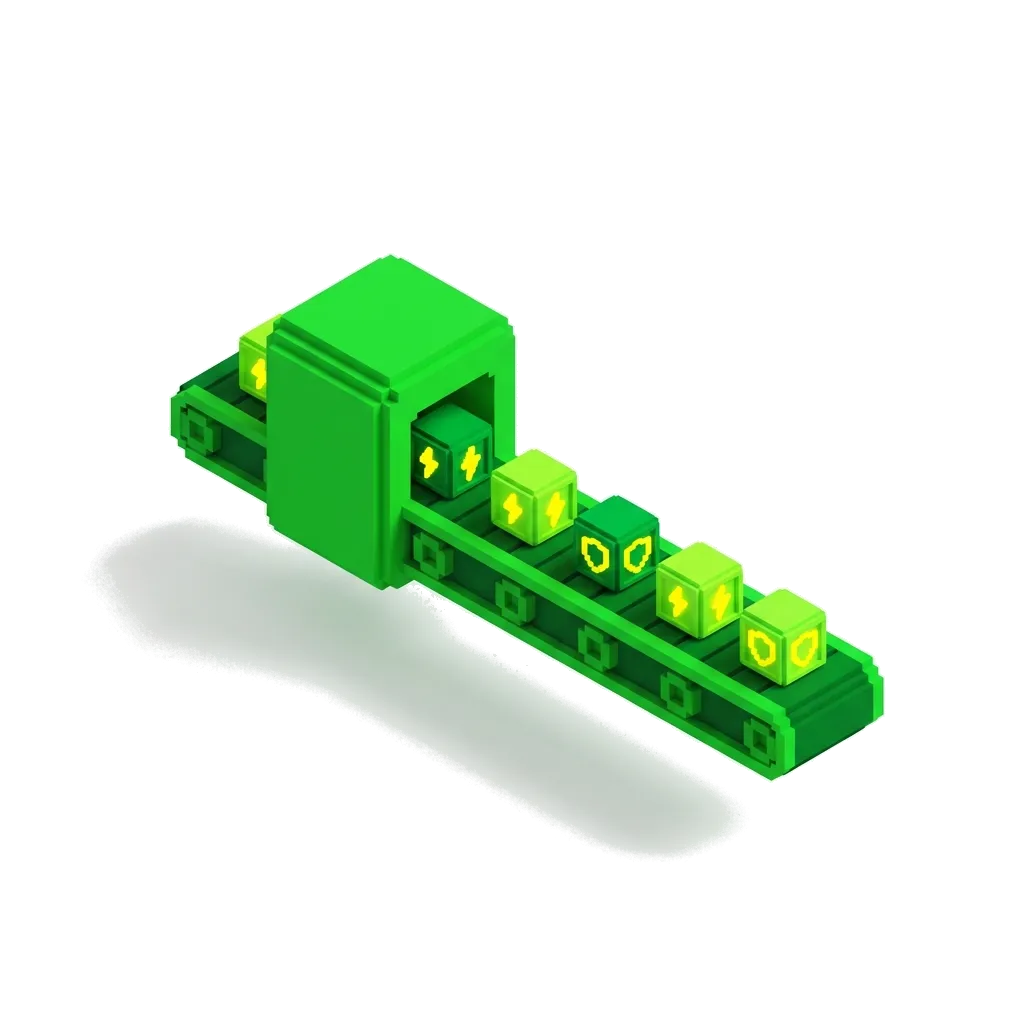
Think of Cloud Build like a custom automated car assembly line. When a designer submits a new blueprint (git push), the assembly line spins up specialized robotic arms (ephemeral build step containers) to assemble the engine, perform safety tests (vulnerability scanning), paint the body (container tagging), and park the finished car directly in the showroom (Cloud Run deployment) — tearing down the assembly line as soon as the job is done.
| Concept | Explanation | When to use |
|---|---|---|
| cloudbuild.yaml | Declarative YAML file defining the sequence of build steps, environment variables, timeout limits, and target artifacts. | Placed at the root of your application repository. |
| Build Trigger | Automated event listener that executes a Cloud Build pipeline upon git pushes, pull requests, or Pub/Sub messages. | Provision via Terraform for automated CI/CD execution. |
| Substitution Variables | Built-in dynamic variables (e.g. `$COMMIT_SHA`, `$BRANCH_NAME`, `$REPO_NAME`) and custom user-defined variables. | Pass dynamic build metadata into container image tags and deployment commands. |
| Build Step Caching | Mechanism to cache Kaniko or Docker layer outputs in Artifact Registry to accelerate subsequent pipeline runs. | Include `--cache=true` in build steps to reduce build times by up to 70%. |
Cloud Build vs GitHub Actions / Third-Party CI/CD
Third-party CI/CD runners (like GitHub-hosted runners) require long-lived GCP service account keys or complex Workload Identity Federation setups to deploy to GCP. External runners transmit built container images across the public internet to reach GCP container registries, consuming bandwidth and increasing attack surface.
Cloud Build executes natively inside Google's private network backbone. It authenticates natively via IAM service accounts without static keys, connects directly to Artifact Registry via internal endpoints, and accesses private VPC resources (Cloud SQL, GKE internal LBs) via VPC Service Controls and Serverless VPC Access. Deploy through [Artifact Registry Virtual Repositories](/tutorial/artifact-registry-production-remote-virtual-repos-cleanup-policies-iam), enforce container signing via [Binary Authorization](/tutorial/binary-authorization-artifact-registry-signed-images-gke), and target [Production Cloud Run with Terraform](/tutorial/production-cloud-run-terraform-custom-domain-iam-vpc-connector-cicd).
| Feature | thisService | altA | altB |
|---|---|---|---|
| Authentication | Native GCP IAM Service Account (Keyless) | Workload Identity / Service Account Keys | Static API Tokens |
| Network Security | Private VPC Access & VPC Service Controls | Public Internet Egress | Public Internet Egress |
| Free Tier | 120 free build-mins / day (~3,600 mins/mo) | 2,000 free mins / month | Varies by vendor |
| Security Scanning | Native Artifact Registry On-Demand Scanning | Third-party action marketplace | Third-party plugin |
| Speed to GCP | Internal Google backbone network (10Gbps+) | Public internet upload | Public internet upload |
Prerequisites
- GCP Project with Cloud Build, Artifact Registry, and Cloud Run APIs enabled
- Terraform CLI v1.6+ configured
- gcloud CLI authenticated
- GitHub repository connected to GCP Cloud Build App
Step-by-Step Guide
Step 1: Create Production Artifact Registry Repository in Terraform
Provision a Docker repository in Artifact Registry to store container images built by Cloud Build. Artifact Registry is the modern successor to GCR. It supports vulnerability scanning, cleanup policies, and KMS encryption.
# artifact_registry.tf — Docker repository with vulnerability scanning
resource "google_artifact_registry_repository" "app_repo" {
  location      = "europe-west1"
  repository_id = "app-containers"
  description   = "Production container images built by Cloud Build"
  format        = "DOCKER"
  project       = var.project_id

  docker_config {
    immutable_tags = true # Prevent overwriting release tags
  }
}
Step 2: Author Production cloudbuild.yaml Pipeline with Security Scanning
Create a 4-step build pipeline: build image with Kaniko cache, push to Artifact Registry, run vulnerability scan, and deploy to Cloud Run. Running vulnerability scanning inline in the build pipeline catches security CVEs before code reaches production environments.
# cloudbuild.yaml — Production CI/CD Pipeline
steps:
  # Step 1: Build container image with Kaniko cache
  - name: 'gcr.io/kaniko-project/executor:latest'
    id: 'build-image'
    args:
      - '--destination=europe-west1-docker.pkg.dev/$PROJECT_ID/app-containers/api-service:$COMMIT_SHA'
      - '--destination=europe-west1-docker.pkg.dev/$PROJECT_ID/app-containers/api-service:latest'
      - '--cache=true'
      - '--cache-ttl=6h'

  # Step 2: Scan image for critical vulnerabilities
  - name: 'gcr.io/cloud-builders/gcloud'
    id: 'vulnerability-scan'
    entrypoint: 'bash'
    args:
      - '-c'
      - |
        echo "Running Artifact Registry vulnerability scan..."
        gcloud artifacts docker images scan \
          europe-west1-docker.pkg.dev/$PROJECT_ID/app-containers/api-service:$COMMIT_SHA \
          --format='value(response.scan)' > scan_id.txt

        SCAN_ID=$(cat scan_id.txt)
        echo "Scan ID: $SCAN_ID"

        # Check for CRITICAL vulnerabilities
        CRITICAL_COUNT=$(gcloud artifacts docker images list-vulnerabilities $SCAN_ID \
          --filter="vulnerability.effectiveSeverity=CRITICAL" \
          --format="value(vulnerability.effectiveSeverity)" | wc -l)

        if [ "$CRITICAL_COUNT" -gt 0 ]; then
          echo "❌ ERROR: Found $CRITICAL_COUNT CRITICAL vulnerabilities! Blocking deployment."
          exit 1
        fi
        echo "✅ Vulnerability scan passed — zero CRITICAL CVEs detected."

  # Step 3: Deploy to Cloud Run with traffic splitting
  - name: 'gcr.io/cloud-builders/gcloud'
    id: 'deploy-cloud-run'
    args:
      - 'run'
      - 'deploy'
      - 'api-service'
      - '--image=europe-west1-docker.pkg.dev/$PROJECT_ID/app-containers/api-service:$COMMIT_SHA'
      - '--region=europe-west1'
      - '--platform=managed'
      - '--allow-unauthenticated'
      - '--no-traffic' # Deploy new revision without routing traffic immediately
      - '--tag=canary'

  # Step 4: Shift 100% traffic to new revision after health verification
  - name: 'gcr.io/cloud-builders/gcloud'
    id: 'route-traffic'
    args:
      - 'run'
      - 'services'
      - 'update-traffic'
      - 'api-service'
      - '--region=europe-west1'
      - '--to-latest'

timeout: '1200s'
options:
  logging: CLOUD_LOGGING_ONLY
  machineType: 'E2_HIGHCPU_8' # Accelerated build worker
Step 3: Configure Cloud Build Service Account IAM Roles in Terraform
Grant the Cloud Build Service Account least-privilege IAM roles required to read from Artifact Registry and deploy to Cloud Run. Default Cloud Build service account lacks permissions to deploy to Cloud Run or push to Artifact Registry in secure GCP projects.
# iam.tf — Cloud Build Service Account least-privilege bindings
data "google_project" "project" {}

locals {
  cloudbuild_sa = "${data.google_project.project.number}@cloudbuild.gserviceaccount.com"
}

# Grant Artifact Registry Writer role
resource "google_artifact_registry_repository_iam_member" "cloudbuild_ar_writer" {
  location   = google_artifact_registry_repository.app_repo.location
  repository = google_artifact_registry_repository.app_repo.name
  role       = "roles/artifactregistry.writer"
  member     = "serviceAccount:${local.cloudbuild_sa}"
}

# Grant Cloud Run Developer role
resource "google_project_iam_member" "cloudbuild_run_admin" {
  project = var.project_id
  role    = "roles/run.developer"
  member  = "serviceAccount:${local.cloudbuild_sa}"
}

# Grant Service Account User role (to attach runtime SA to Cloud Run)
resource "google_service_account_iam_member" "cloudbuild_sa_user" {
  service_account_id = google_service_account.cloud_run_sa.name
  role               = "roles/iam.serviceAccountUser"
  member             = "serviceAccount:${local.cloudbuild_sa}"
}
Step 4: Provision Cloud Build GitHub Trigger in Terraform
Create an automated GitHub trigger executing `cloudbuild.yaml` on pushes to the `main` branch. Declarative build triggers ensure CI/CD configuration is version-controlled alongside infrastructure code.
# cloudbuild_trigger.tf — GitHub main branch build trigger
resource "google_cloudbuild_trigger" "main_branch_trigger" {
  name        = "deploy-api-service-main"
  location    = "europe-west1"
  description = "Builds, scans, and deploys api-service on git push to main"

  github {
    owner = "my-org"
    name  = "api-service-repo"
    push {
      branch = "^main

        chmielewski.dev | GCP Engineering & Architecture Blueprints
        Insights, guides, and architectural blueprints for creators shipping on Google Cloud Platform.

    quot;
    }
  }

  filename = "cloudbuild.yaml"

  substitutions = {
    _ENV = "production"
  }

  service_account = google_service_account.custom_cloudbuild_sa.id
}
Step 5: Trigger Pipeline and Verify Deployment
Execute a test build via gcloud CLI and verify Cloud Run revision status. Testing the pipeline manually verifies build steps, vulnerability scanning logic, and traffic routing before opening automated pull requests.
# Step 1: Submit build manually to test pipeline
gcloud builds submit \
  --config=cloudbuild.yaml \
  --substitutions=COMMIT_SHA=$(git rev-parse --short HEAD) \
  --region=europe-west1

# Step 2: Verify Cloud Run revision and traffic allocation
gcloud run services describe api-service \
  --region=europe-west1 \
  --format="table(status.url, status.traffic[].revisionName, status.traffic[].percent)"
Verification & Health Check
Best Practices
- Use Kaniko Layer Caching for Container Builds
- Use Custom User-Managed Service Accounts for Triggers
Common Mistakes
- {"errorCode":"VULNERABILITY_SCAN_FAILED","symptoms":"Cloud Build step 'vulnerability-scan' fails with exit code 1.","rootCause":"Artifact Registry scanner detected CRITICAL CVE vulnerabilities in base image dependencies (e.g. outdated Alpine/Ubuntu base image).","fixCommand":"Update base image in Dockerfile to latest patch release (e.g. `python:3.11-slim` -> `python:3.11.9-slim`)","code":"# Dockerfile — Use minimal and updated base images\nFROM python:3.11-slim-bookworm AS builder\n# Remove build tools after compilation\nRUN apt-get update && apt-get install -y --no-install-recommends gcc && \\\n pip install --no-cache-dir -r requirements.txt && \\\n apt-get purge -y --auto-remove gcc && rm -rf /var/lib/apt/lists/*\n","language":"dockerfile","filename":"Dockerfile","prevention":"Schedule weekly base-image security updates via RenovateBot or Dependabot."}
Cost Analysis
| Feature | metric | cost1k | cost10k | cost100k | cost1m |
|---|---|---|---|---|---|
| Free Build Tier (120 free mins/day = 3,600 mins/mo) | $0.00 | $0.00 | $0.00 | $0.00 / month | |
| High-CPU Worker Surcharge (1,800 mins × $0.016/min) | $28.80/mo | $28.80/mo | $28.80/mo | $345.60/yr | |
| Artifact Registry Storage (20GB @ $0.10/GB/mo) | $2.00/mo | $2.00/mo | $2.00/mo | $24.00/yr | |
| Total CI/CD Pipeline Cost | ~$30.80/mo | ~$30.80/mo | ~$30.80/mo | ~$369.60/yr |